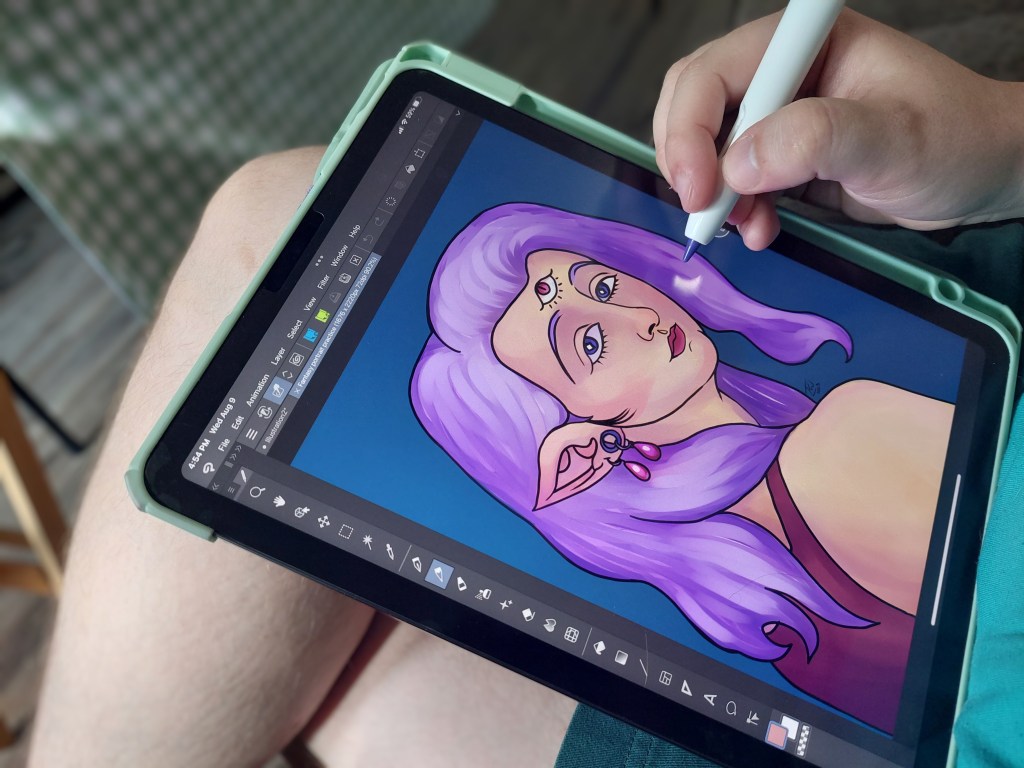
Recently, I decided to try out a new art program on my iPad. I love Procreate, but it’s an Apple exclusive, and I’m looking to switch platforms. Also, this program is one that is used by professional artists that I follow, which makes me think it’s probably pretty good. The program I’m talking about is, of course, Clip Studio Paint.
Just to clarify, this isn’t a sponsored post or anything. I just happen to really like what I’ve found this program to be.
Initially, I was a bit overwhelmed. The user interface is a lot more involved than Procreate, with settings and tools all over the screen. Then I discovered that I had the app in Studio Mode, and there’s also a Simple Mode that resembles Procreate quite a bit! I used this cleaner interface to get familiar with the program, and I kept switching between modes as I introduced myself to more of the different tools and settings.
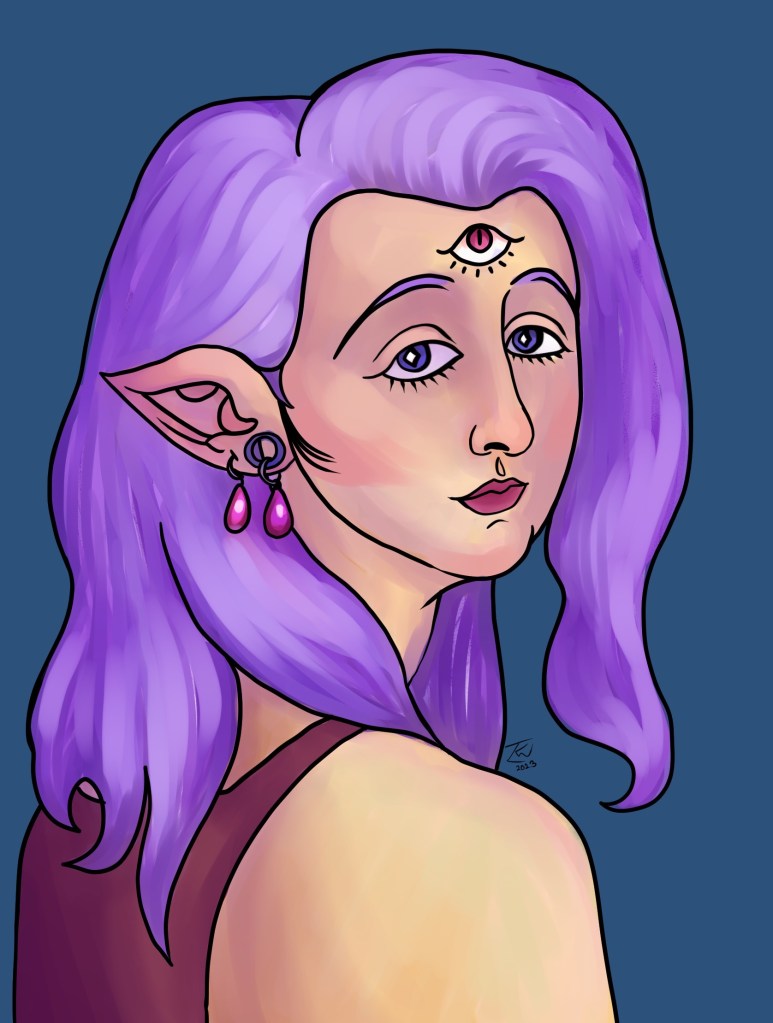
I did some dabbling, and made some art to try and get used to painting and drawing in this new program.
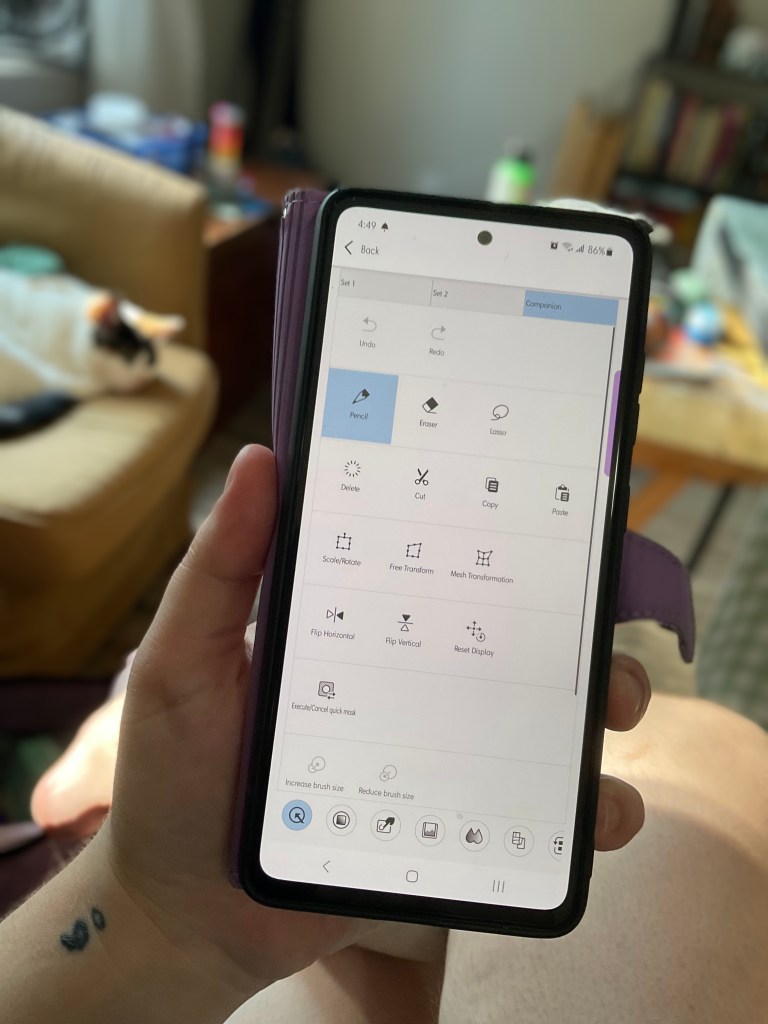
Then today I decided to install the app on my phone, to see what the mobile version is like. I was curious mainly about a setting called Companion Mode. It turns out to be the absolute coolest feature of Clip Studio: you can access the tools and settings from your phone screen! And have that affect things on the iPad screen!!
I have had this exact idea before and wished it existed, but for all other programs it doesn’t exist. But here it is! It exists for Clip Studio!
I can change the tool I’m drawing with, I can access my palette, I can zoom in or out, I can flip the canvas, and all sorts of other things! All from my phone’s screen!
If you can’t tell, I’m very excited about this. It has completely swayed me, I’m now all for Clip Studio. Besides this really cool feature, though, it’s also just a really solid painting and animating program! There are 3D assets that are free with the program that I can pose freely, which is also something I’ve really wanted to be able to do. It records a video of the painting process, like Procreate (I forgot to turn it on for my painting, unfortunately) I haven’t looked into the animating part of the program, but that’s also quite extensive and I’m excited to try it out at some point! There’s a whole bunch of features!
There’s a lot more to explore with this program. It’s not free, unfortunately, but the iPad version is a one-time-purchase which I really like, and the cost of the other versions can be as low as a dollar a month or something like that. So it won’t be anywhere near as bad as Photoshop.
So in conclusion, I really like Clip Studio and I’m going to be switching to it as my primary art program, and I wanted to share about how cool it is!


Leave a comment